Microsoft Defender PC/Windows Install Issues
Microsoft Defender helps block malicious applications.
It blocks applications not meeting a certain criteria.
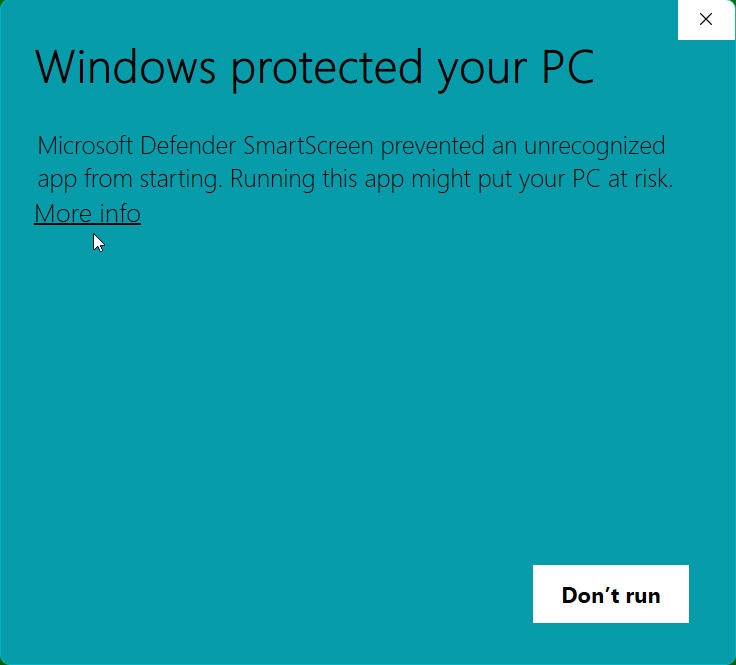
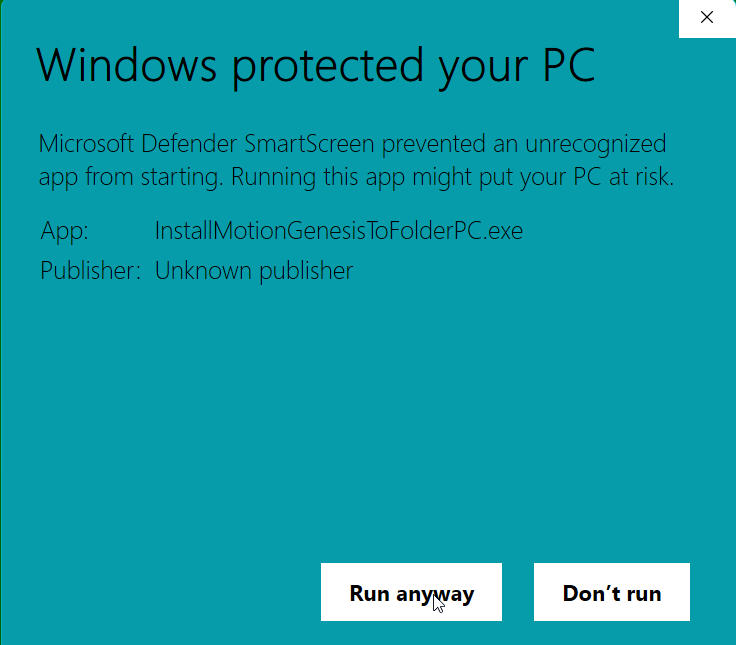
Example: Microsoft Defender SmartScreen prevented an unrecognized app from starting ...
Option 1: To bypass the "Windows protected your PC":
Click the small text link that says "More info".
Resize (enlarge) the window to see all the text.
Click the "Run anyway" button that now appears at the bottom of the window.
You may see a screen title something like
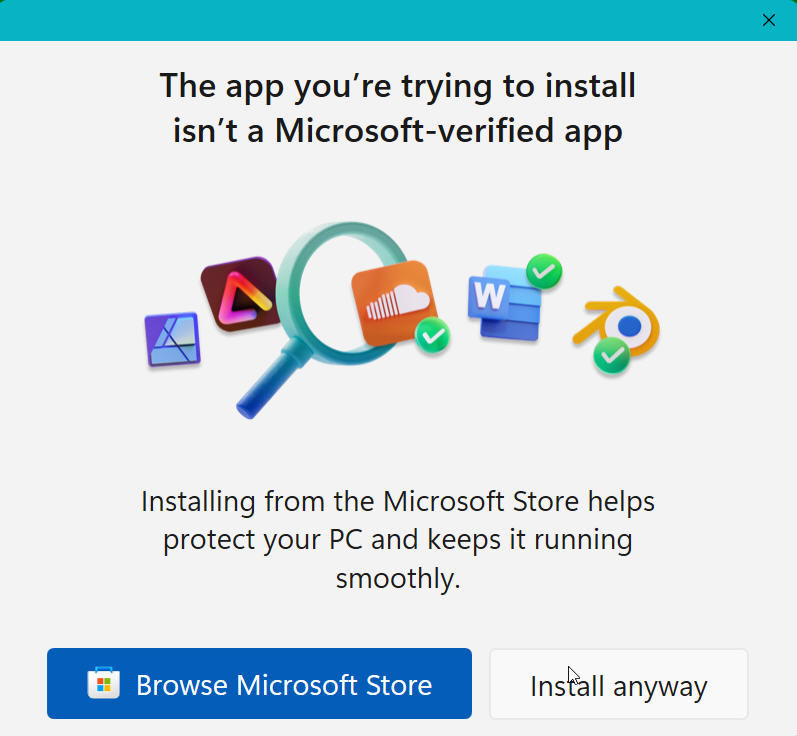
"The app you'r trying to install isn't a Microsoft-verified app"
Click the "Install anyway" button at the bottom of of the window.
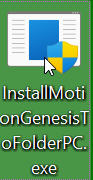
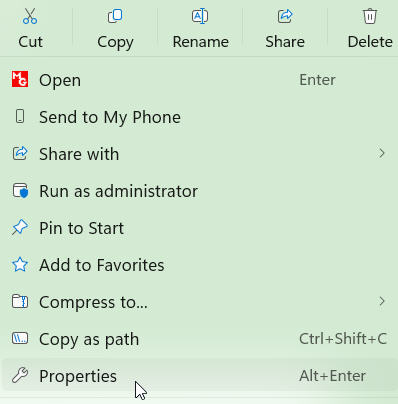
Option 2: Right-click on the installer file and select Properties.
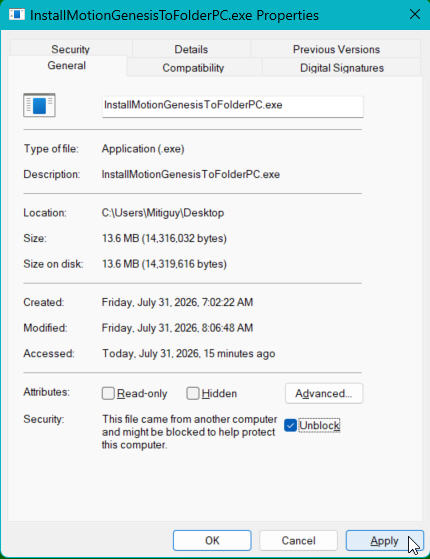
On the General tab, look near the bottom for a security section that says:
"This file came from another computer and might be blocked to help protect this computer."
Check the box labeled Unblock. Click Apply, then OK.
Now, double-click to run the installer.